Sheet 31 · First-Time England Planning Guide · 18 min read
Best England Travel Apps and Websites
The best England travel apps for 2026, ranked by a regular visitor: trains, maps, contactless, eSIMs and more, with honest keep-it or skip-it verdicts.
 Sheet 31
Contents 13 sections
I download a lot of junk before a trip. Half of it gets swiped into a “Travel” folder and never opened again. After several England trips, I’ve worked out which apps actually earn a spot on the home screen and which are dead weight pretending to be useful. This is the cull-list, not the everything-list.
The best England travel apps for 2026 are Trainline (or National Rail) for trains, Citymapper or TfL Go for cities, Google Maps for everything else, your phone’s built-in Apple Pay or Google Pay for transport fares, and an Airalo eSIM for data. Add the Met Office, Booking.com and National Trust and you’re genuinely sorted.
That’s the short version. Below I’ll explain what each one does, when I actually reach for it, and which over-hyped names you can safely ignore.
Quick Answer: The Best England Travel Apps
If you only install five things, make them these: Google Maps (navigation, offline maps, transit), Trainline or the National Rail app (intercity trains and live times), Citymapper or TfL Go (London and big-city public transport), your phone’s contactless wallet (Apple Pay / Google Pay, which has quietly made Travelcards pointless), and an eSIM app like Airalo so you have data the moment you land.
Everything else is a nice-to-have layered on top depending on how you travel. A history buff wants the National Trust app; a foodie wants OpenTable; a road-tripper wants what3words. I’ll flag who each one is for. For the bigger picture of moving around the country, pair this with my England transport guide, and if London is your base, the Tube and bus guide goes deeper on fares.
At a Glance: What to Download and What It Costs
Here’s the whole toolkit in one view, with my blunt verdict on each. Prices and details are as of 2026.
| App / Website | What it’s for | Cost | Verdict |
|---|---|---|---|
| Google Maps | Navigation, transit, offline maps | Free | Keep — non-negotiable |
| Citymapper | London & big-city transport routing | Free | Keep (cities) |
| TfL Go | Official London transport & status | Free | Keep (London) |
| Trainline | Booking UK trains & coaches | Free app, ~£0 fee for e-tickets | Keep — with a caveat |
| National Rail | Live train times & planning | Free | Keep (free, no fees) |
| Apple Pay / Google Pay | Tapping in on transport, all spending | Free | Keep — replaces Travelcards |
| Airalo / Holafly (eSIM) | Mobile data without roaming | From ~£4–£11 | Keep (most visitors) |
| Revolut / Wise / Monzo | Card spending, fee-free FX | Free tiers | Keep (one of them) |
| what3words | Precise rural locations | Free | Keep (countryside) |
| Met Office | UK weather & warnings | Free | Keep |
| Booking.com | Hotels, B&Bs, last-minute stays | Free | Keep |
| National Trust / English Heritage | Castles, gardens, houses | Free apps | Keep (history fans) |
| OpenTable / TheFork | Restaurant reservations | Free | Situational |
| Uber / Bolt | Ride-hailing in cities | Free | Situational |
| Visit Britain / gov.uk (web) | Official info & ETA | Free | Bookmark, don’t “app” |
Now the detail, category by category, starting with the one thing nearly everyone gets wrong: trains.
Transport and Trains: The Apps That Actually Move You
England runs on rail, and the train apps are where tourists waste the most money and patience. Get this category right and the rest of the trip is downhill.
Trainline — keep it, but know the catch
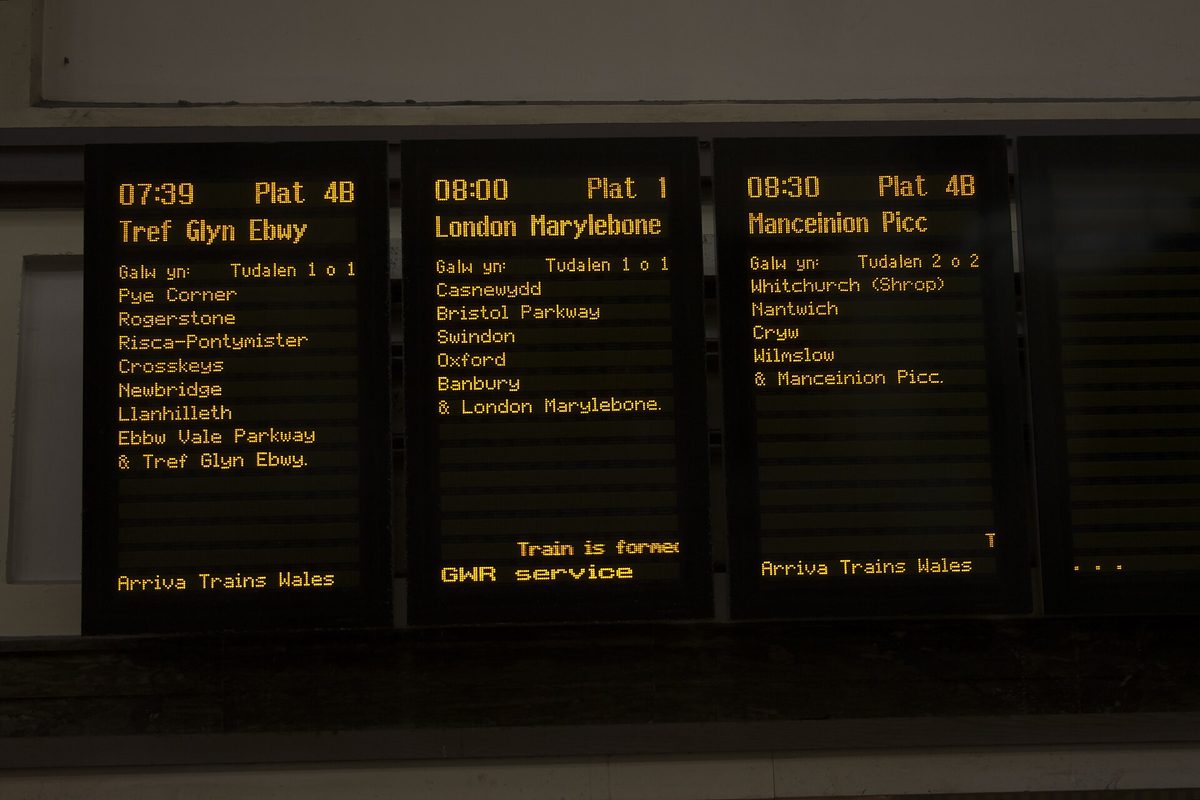
Trainline is the app most visitors reach for, and for good reason: one clean interface to search, compare and book trains across England, Scotland and Wales, plus most coaches. You can buy a ticket fifteen minutes before departure, store e-tickets on your phone, and apply a railcard for the discount. For a foreign visitor juggling a dozen train operating companies, that single sign-on is genuinely calming.
The catch: Trainline is a reseller, and on some bookings it adds a small booking fee. It’s usually pennies for e-tickets, but it exists. My honest take as of 2026: the convenience is worth it for most travellers, especially if you don’t want to learn which operator runs which line. If you’re counting every coin, book the same ticket fee-free direct from the operator or National Rail — the price of the journey itself is regulated and identical.
Verdict: Keep it. It’s the easiest way to handle UK trains end to end.
National Rail — the free, fee-free companion
The National Rail Enquiries app is the official source for live times, platforms and disruption across the whole network, and it doesn’t charge booking fees. I use it as my “is my train actually running” app even when I booked through Trainline. Set a delay alert on your route and you’ll know about a problem before the departure board admits it.
Verdict: Keep it alongside Trainline. Free, neutral, reliable. The website nationalrail.co.uk is the same data on a bigger screen.
TfL Go — official London transport
TfL Go is Transport for London’s own app: live Tube, bus, Overground, DLR, Elizabeth line and tram status, a step-free journey planner, and the real London Underground map. Because it’s first-party, the disruption data is as current as it gets. It also shows you which carriage to board for the quickest exit, which feels like a small thing until you’re hauling a suitcase up the wrong staircase at Bank.
Verdict: Keep it for London. It’s the most accurate status source you’ll find.
Citymapper — the city navigator I trust most
If I could keep only one city app, it’s Citymapper. It’s purpose-built for getting around big cities — London above all, but also Manchester and Birmingham — and it stitches together every mode: Tube, bus, rail, walking, cycle hire, even Uber and e-scooter, with live costs and times side by side. You can filter for step-free routes, least walking, or cheapest fare, and it tells you the best exit and which train door to stand by.
Citymapper versus Google Maps is the classic debate. Google Maps is broader and better for driving and rural areas; Citymapper is sharper inside a city and faster to react to a closed line. I run both and let Citymapper win in town.
Verdict: Keep it for any city stay.
Google Maps — the one app nobody can travel without
Google Maps is the backbone. Driving directions, walking routes, transit with live TfL disruption, business hours, reviews, Street View for orienting yourself outside a station — it does the lot. Crucially, you can download offline map areas before you go, so a dead signal in a Cotswolds lane doesn’t strand you. Save your hotel, the stations you’ll use, and a few sights as pins and your trip planning is half done.
Verdict: Keep it. Genuinely non-negotiable.
Uber and Bolt — for the gaps
Both work across major English cities and are reliable late at night when buses thin out or the Tube has stopped. Bolt is often a touch cheaper; Uber has wider coverage. Outside the big cities, though, don’t assume either is available — book a local taxi by phone instead. I keep both installed but use them rarely; public transport almost always wins on time and cost in town.
Verdict: Situational. Install for backup, don’t rely on them.
National Express and Megabus — only if coaching it
For long-distance coaches between cities (a budget alternative to trains), the National Express and Megabus apps handle booking and tickets. Coaches are cheaper than trains and slower; if that trade suits you, the apps are fine and uncomplicated. Most visitors on a short trip will stick to rail.
Verdict: Situational. Worth it only if coaches are your plan. For deciding how to get around overall, see England transport and, if rail is your theme, the train itinerary.

Maps and Navigation: Finding Anything, On or Offline
Beyond the transport routing above, a couple of tools handle the “where exactly is this place” problem, especially off the beaten track.
Google Maps offline areas — do this before you fly
I’ll repeat it because almost nobody does it: download your offline map areas while you’re on hotel Wi-Fi. England’s countryside has plenty of patchy-signal pockets, and an offline map still gives you navigation and your saved pins without a single bar. It’s the cheapest insurance against getting lost there is.
what3words — surprisingly handy in the countryside
what3words splits the world into three-metre squares, each with a unique three-word address. Sounds gimmicky until you’re trying to find a specific National Trust car park, a remote pub, or a footpath gate that has no street number. Plenty of UK venues — and the emergency services — accept what3words locations. I don’t open it daily, but when I need it, nothing else does the job.
Verdict: Keep it if your trip includes rural England, the Lake District or Cornwall and Devon. Skip it for a pure-city trip.
Money and Payments: Your Phone Is the Travelcard Now
This is the category with the biggest “things have changed” headline, so read it even if you think you know.
Apple Pay / Google Pay — and why Travelcards are basically over
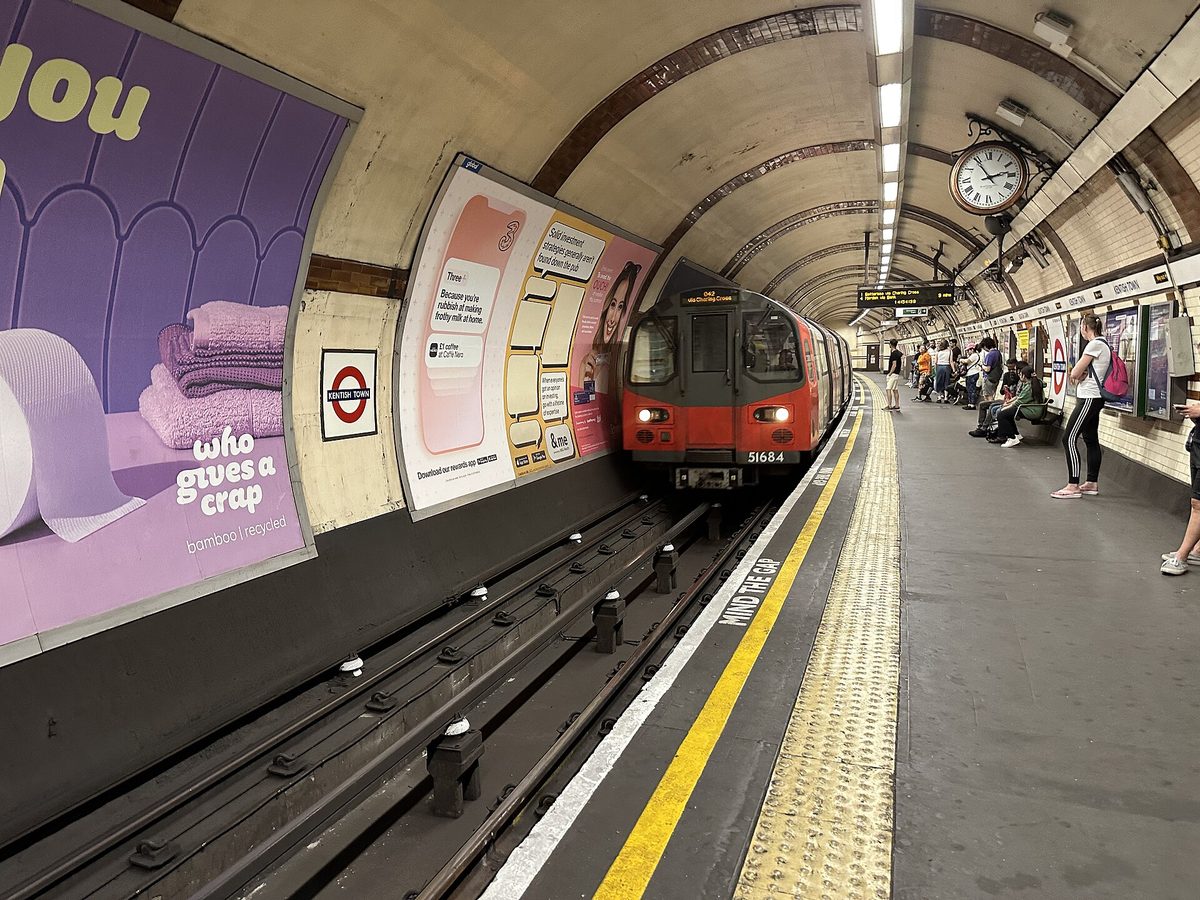
Here’s the single most useful thing I can tell a first-timer: in London you do not need an Oyster card, and you almost certainly don’t need a paper Travelcard. Just tap your contactless debit or credit card — or your phone or watch with Apple Pay / Google Pay — on the yellow reader. The system automatically applies daily and weekly fare caps, so you never overpay. As of 2026 the central-London (Zones 1–2) daily cap sits at £8.90, and TfL confirmed daily caps aren’t rising in 2026.
That capping is why old-style Travelcards have quietly become pointless for most visitors: contactless caps you to the same kind of ceiling without buying anything in advance. Use one card or device consistently for the whole trip so the caps track correctly, and remember to tap in and out on the Tube and trains (touch in only on buses). Oyster still works if you prefer it, but for a short visit I wouldn’t bother getting one.
Verdict: Keep it. Your existing phone wallet is the smartest “travel app” you already own. For the fare mechanics in full, see London transport for visitors.
Revolut, Wise or Monzo — pick one for spending
For day-to-day spending I carry a Revolut, Wise or Monzo card rather than racking up foreign-transaction fees on a home bank card. All three give you fair exchange rates, instant spend notifications, and the ability to freeze the card from your phone if it goes missing. Wise is brilliant for holding and converting currency cheaply; Revolut and Monzo feel slicker for everyday tapping and splitting bills. You don’t need all three — one covers it.
Verdict: Keep one. It pays for itself in saved fees on a single trip. I keep the fee detail out of this guide; the numbers live in what an England trip costs and what England costs.
Currency converters — mostly redundant
A standalone currency app (XE and the like) is fine, but honestly your travel card’s live notifications and Google’s built-in conversion do the job. Install one only if you like seeing the rate before you spend.
Verdict: Skip it unless you’re a rate-watcher.

Connectivity: Why an eSIM Beats Roaming
Landing with no data is a miserable way to start, and roaming charges from outside the UK can be brutal. The fix is an eSIM, and if your phone is from roughly the last few years it almost certainly supports one.
Airalo or Holafly — set up before you board
An eSIM is a digital SIM you install via an app; it connects you to a local UK network the moment you land, no plastic to swap and no roaming bill. As of 2026, Airalo is the value pick: local UK data plans start around £4–£5 for a small bundle, with larger and unlimited options scaling up from there, running on the EE network. Holafly leans into unlimited-data plans and is the one I’d choose for a longer or heavier-use trip, though it costs more.
Two honest caveats. First, most travel eSIMs are data-only — no UK phone number and no regular calls, though apps like WhatsApp and FaceTime cover you fine. Second, install and activate the eSIM while you still have Wi-Fi at home; setting it up at the airport with no signal is a needless headache. If you’re a visitor from the EU whose home plan already roams in the UK at no cost, you may not need an eSIM at all — check first.
Verdict: Keep it for most non-UK visitors. The peace of mind is worth far more than the few pounds it costs.
Accommodation: Booking a Bed Without the Faff
England’s lodging runs from London hotels to country B&Bs and hostels, and a couple of apps cover most of it.
Booking.com — my default
Booking.com consistently has the widest spread of English accommodation — chain hotels, independent B&Bs, country inns — and the free-cancellation filter is gold when plans are still loose. It’s the top travel app in the UK for a reason. I use it to scan an area fast, then sometimes book direct with the property if the price matches.
Verdict: Keep it as your default search.
Airbnb — for space and self-catering
Airbnb earns its place when you want a whole flat, a longer stay, or a kitchen — handy in pricey cities or with family. Read recent reviews and check the cleaning fee before you commit; the headline nightly rate can be misleading. For deciding which areas to book in the first place, lean on England accommodation.
Verdict: Keep it for apartments and longer stays.
Hostel apps — for solo and budget travellers
If you’re doing England on a shoestring, Hostelworld is the cleanest way to browse and book hostels, with reviews aimed at the backpacker crowd. Not for everyone, but exactly right for the people it’s for.
Verdict: Situational. Excellent for budget and solo trips.

Food and Booking: Tables and Takeaways
You won’t starve in England without an app, but a couple smooth the edges, especially for popular restaurants.
OpenTable and TheFork — reserving the good tables
Popular restaurants in London and other cities book out, particularly at weekends. OpenTable and TheFork let you reserve in a few taps and sometimes earn points or discounts. TheFork tends to have stronger offers; OpenTable has broader coverage. I use whichever has the restaurant I want.
Verdict: Situational. Worth it if you care about specific restaurants. For the food itself — pubs, Sunday roasts, afternoon tea — see English food and pub culture.
Deliveroo and Uber Eats — for the hotel-room night
Some evenings you just want food delivered to your room. Deliveroo and Uber Eats both work across English cities; coverage and selection vary by neighbourhood. Handy after a long travel day, unnecessary otherwise.
Verdict: Situational. Nice on a tired night.
Weather: One App, and Make It the Right One
Met Office — the only weather app you need
England’s weather is the national sport for a reason, and the Met Office is the official UK forecaster. Its app gives reliable local forecasts, rain radar and severe-weather warnings — far more trustworthy here than generic global weather apps that often lag the local picture. I check it every morning to decide whether today’s the day for the countryside or the museums.
Verdict: Keep it. The right call for packing and day-planning; for the seasonal overview, see when to visit England.
Attractions and Memberships: For History and Heritage
England’s castles, houses and gardens are a huge draw, and two organisations run most of them.
National Trust and English Heritage — for the heritage hunters
The National Trust app maps hundreds of houses, gardens and coastal sites across England and Wales with opening times, facilities and directions, and crucially it works offline once loaded — useful at remote properties with no signal. English Heritage covers a different roster, leaning more towards castles and ruins (Stonehenge included). Both apps are free to use for finding and planning; the question is whether a paid membership pays off, and that depends entirely on how many sites you’ll actually visit.
Verdict: Keep the apps if you love history — they’re free and genuinely useful for planning. Whether to buy membership is a numbers call I’d weigh against your itinerary; my England castles and historic sites guide and practical England tips help you decide.
Official museum apps — usually skip, sometimes brilliant
Some big institutions have their own apps with maps and audio tours. Mostly you can ignore them and just use the in-building signage and free Wi-Fi. The exception is when an app offers a genuinely good free audio guide — worth a download on the day, deletable after. Many of London’s best are free anyway; see free things to do in London.
Verdict: Skip by default, download case by case.
Official Websites: Bookmark These, Don’t “App” Them
Not everything needs to be an app. A few official websites are where you should go for the authoritative word.
- gov.uk — the only place to apply for your UK ETA (the entry permit many visitors now need) and to check current entry rules. Apply via the official UK ETA app or directly on gov.uk; as of 2026 it costs £20 and is valid for two years or until your passport expires. Beware copycat sites that charge a markup. The policy detail — who needs one, timing, eligibility — lives in my dedicated UK ETA for tourists guide.
- nationalrail.co.uk — fee-free train times, fares and planning; the website twin of the app above.
- tfl.gov.uk — the definitive source on London fares, caps and step-free access, straight from Transport for London.
- visitbritain.com — the official tourism site, with curated guides and events. The Visit Britain and Visit London apps exist too, but I find the websites perfectly good and prefer not to clutter my phone.
Verdict: Bookmark, don’t install. A browser tab does the job and saves home-screen space. To anchor the whole trip, start from the complete England guide and the London guide.

What I’d Genuinely Skip
A short, honest list of things you can leave off:
– Paper Travelcards and, for short trips, Oyster — contactless capping has made them redundant for most visitors.
– Standalone currency converters — your travel card and Google cover it.
– Most museum apps — signage and free Wi-Fi are usually enough.
– Niche aggregator “all-in-one travel” apps — they tend to do many things adequately and nothing brilliantly. The focused apps above beat them.
– A second weather app — the Met Office is the local truth; the rest just disagree with it.
Travelling light applies to your phone, too. For more of these little efficiencies, see practical England tips and the England travel mistakes people make.
Final Thoughts
The mistake most visitors make isn’t downloading too few apps — it’s downloading too many and trusting the wrong ones. After several trips, my home screen for England is small: Google Maps, a city app, a train app, my phone wallet, an eSIM, the Met Office and Booking.com. That handful gets me from a midnight arrival to a remote country pub without a hitch.
The single biggest upgrade for a first-timer is mental, not technical: stop hunting for the perfect Travelcard and just tap your phone. Contactless capping has quietly solved London fares, and an eSIM solves data. Sort those two before you board, add the train and map apps, and you’ve beaten ninety percent of the confusion. Everything else on this list is a useful extra you can add to taste. For where all this fits in the bigger plan, the full England guide ties the trip together — and if safety questions are on your mind, is England safe for tourists covers them properly.
Research and Source Notes
This guide reflects hands-on use plus a SERP review of the leading “best UK / London / England travel apps” articles (Visit London, Time Out, UK Travel Planning, Globetotting and others) in 2026, written to be more current and more opinionated than the page-one lists. Time-sensitive details were checked against official sources and are flagged “as of 2026.”
Key facts verified: the central-London (Zones 1–2) contactless daily cap of £8.90 and confirmation that daily caps are not rising in 2026 (Transport for London, tfl.gov.uk); the UK ETA fee of £20, raised on 8 April 2026, valid two years, applied via the official UK ETA app or gov.uk/eta (GOV.UK / Home Office); UK eSIM pricing and the data-only limitation for Airalo and Holafly; and that Trainline operates as a reseller while National Rail / nationalrail.co.uk is fee-free. App availability and features were confirmed current at the time of writing; verify prices and fares before you travel, as they change.
Photo Credits
- Phone showing one of the best England travel apps next to a London Underground train at the platform — Photo: TheFrog001 (CC0) via Wikimedia Commons. Source
- Travellers checking train apps under the departure boards at King’s Cross station concourse — Photo: User: (WT-shared) Jackofhearts at wts wikivoyage (CC0) via Wikimedia Commons. Source
- Tapping a phone wallet on a yellow reader aboard a London double decker bus — Photo: U.S. Air Force photo by Airman 1st Class Joseph Barron (CC0) via Wikimedia Commons. Source
- Arrivals checking accommodation apps beneath the roof of St Pancras International station — Photo: Elliott Brown from Birmingham, United Kingdom / CC BY-SA 2.0 via Wikimedia Commons. Source
- A visitor consulting travel apps on the platform at Paddington station in London — Photo: Shadowssettle / CC BY-SA 4.0 via Wikimedia Commons. Source
Frequently asked questions
What is the best app for getting around England?
For intercity trains, Trainline (or the free National Rail app) is the best all-rounder. Inside cities, Citymapper or the official TfL Go lead for public transport, while Google Maps handles driving, walking and rural areas. Most visitors end up using a combination — train app for the long legs, city app for the short ones.
Do I need an app to use the London Underground?
Not strictly — you can simply tap a contactless card, phone or watch on the yellow reader and let the daily cap handle pricing. But TfL Go (for live status and the map) or Citymapper (for routing) make journeys far smoother, especially during disruptions. Both are free, and I’d install at least one before you arrive.
Is Trainline or National Rail better for booking trains?
Trainline is the easiest single app for booking trains and coaches across England, with a clean interface and e-tickets, though it can add a small booking fee. The National Rail app and nationalrail.co.uk give the same live information fee-free but funnel you to operators to book. As of 2026, use Trainline for convenience, National Rail to dodge fees.
Should I get an eSIM for travelling in England?
For most non-UK visitors, yes. An eSIM from Airalo or Holafly gives you data the moment you land without roaming charges, set up via an app before you fly. UK plans start around a few pounds. The main caveat: they’re usually data-only, so no regular phone calls, though messaging and internet calls work fine.
Do I still need an Oyster card in 2026?
For a short trip, no. Contactless payment with a bank card or phone wallet applies the same daily and weekly fare caps automatically, so there’s nothing to buy in advance or top up. Oyster still works if you prefer a separate card, but most visitors find tapping their existing phone simpler and just as cheap.
What apps do I need before arriving in England?
Set these up before you fly: download Google Maps offline areas, install your eSIM and activate it on home Wi-Fi, add your card to Apple Pay or Google Pay, and download Trainline or National Rail plus a city app like Citymapper or TfL Go. Do those four things on your own Wi-Fi and you’ll land ready to move. For wider prep, see the England packing checklist and how many days in England to plan.